
What's New?
Access the Support Portal from the Navigation Bar
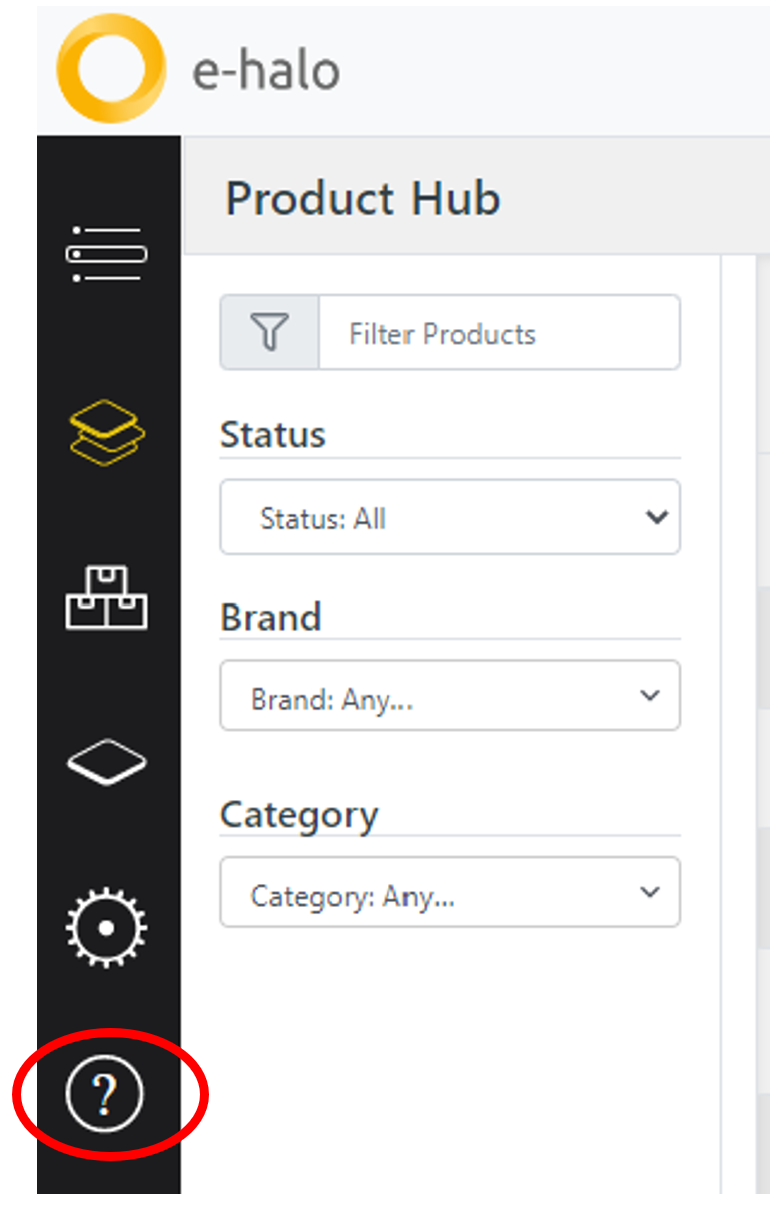
Users with issues or questions about e-halo can now access the Support Portal by clicking on the ‘Help’ button in the navigation bar.
Simply click on the ‘?’ icon in the navigation bar and the Support Portal will automatically open in a new tab in your browser.
In the Support Portal, you will find e-halo’s Learning Guides, Latest Release Notes, GDPR information, and the contact information for our Support Team, in case you are experiencing any issues.
Updates and Bug Fixes:
- Removed the due date constraint when creating new Components in a Bill of Materials. Users are now able to create Components with a due date after the Bill of Material’s due date.
- We have added a constraint to the ‘Use Existing BOM’ functionality so that users can only select ‘active’ (previously approved) Bills of Materials.
- Fixed the issue with the ‘Import Product functionality where the product creation was failing or the products created had incomplete information.
- Fixed the issue where users were unable to submit Bills of Materials that had components linked to other Bills of Materials.
- Fixed the issue where documents could not be downloaded from Product, Bill of Materials, and Component items.
Comments
Please sign in to leave a comment.